Case File 043: The Great Shopify Disconnect
Filed under: Platform‑Exit Puzzles & Data‑Trail Mysteries


The third week of May arrived with a case that felt like someone yanking a plug out of the wall mid‑download. A business owner announced she was “done with Shopify” and wanted it disconnected immediately — no ceremony, no prep, just a clean break.
But the moment I peeked behind the scenes; it was clear the books weren’t ready for a sudden unplugging. Unreconciled payouts. Half‑posted refunds.



Apps still chirping away in the background. It was less “clean break” and more “pulling the cord on a vacuum while it’s still running.”

Figgy’s note: “Never unplug something that’s still making noise.”
Clues
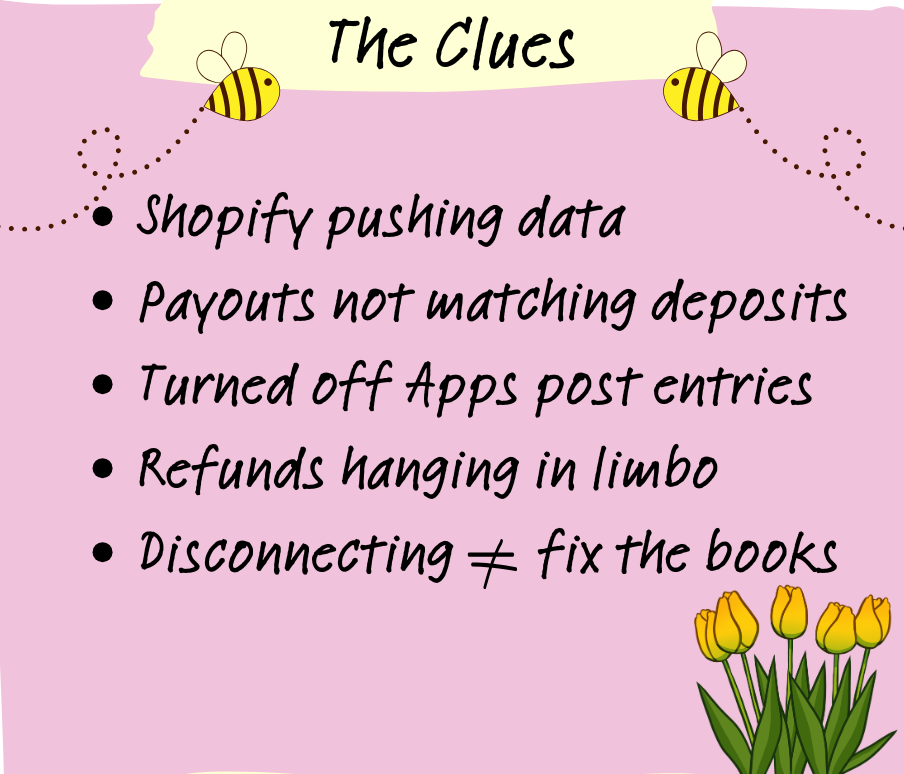
A Shopify account still pushing data into the ledger
Payouts that haven’t been matched to deposits
Apps posting entries long after they were “turned off”
Refunds hanging in limbo
A client convinced disconnecting will magically fix the books


It’s the bookkeeping equivalent of unplugging a lamp and assuming the entire room is now clean. The dust is still there — you’ve just turned off the light that helped you see it.
Detective Debit’s Fix
I grabbed the metaphorical toolbox and started tracing the wires.
First, I stabilized the system:
Confirmed all payment processors still connected
Identified every app pushing data
Checked for pending payouts
Reviewed refund activity
Documented tax and inventory settings
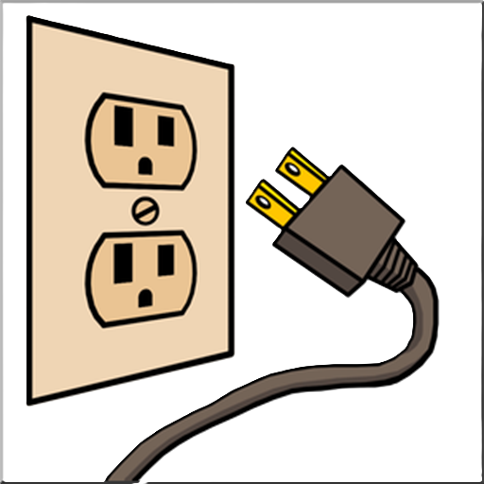


Only after everything was tidy did I pull the plug — carefully, in the correct order — so nothing sparked or broke on the way out.
Then came the cleanup:
Reconciled all Shopify clearing accounts
Matched payouts to deposits
Posted missing fees
Cleared old app‑generated duplicates
Archived reports needed for future audits


Figgy’s Thought:
“Turns out the plug wasn’t the problem. The mess behind the plug was.”


The Twist
Disconnecting Shopify doesn’t erase the mess — it freezes it in place.
A payout that hasn’t been reconciled? It stays mismatched.
A refund that hasn’t been recorded? It becomes a ghost entry.
An app still posting summaries? It keeps whispering into the ledger even after the main connection is gone.

The Takeaway
Disconnecting Shopify is not a quick fix — it’s a final step. If you skip the cleanup, you lock in errors that will haunt your reports for months.
A proper disconnect means:
All payouts reconciled
All refunds accounted for
All apps disabled
All data archived
All settings documented

Figgy adds: “Never shut down the machine before the gears stop turning.”


Need Backup?
A clean Shopify exit protects your financial history and keeps your books from turning into a patchwork of missing data and half‑posted transactions.
When you disconnect the right way, your reports stay accurate, your audit trail stays intact, and your future bookkeeping becomes a whole lot smoother.
Your books shouldn’t feel like a power outage — they should feel like a controlled shutdown.





Final Thoughts
A platform change is a big moment for any business. Handled well, it’s a fresh start. Handled hastily, it’s a data disaster waiting to happen.

Take the time to clean up before you disconnect, and your books will thank you later.

Figgy’s final word:
“Pull the plug with purpose.”


Case File 044: The Mystery of the Missing Money — where payouts shrink, refunds hide in the shadows, and timing differences create illusions that make revenue seem to disappear.