Case File 047: The Overstuffed App Drawer
Filed under: Subscription‑Creep Crimes & Tool‑Hoarding Mysteries
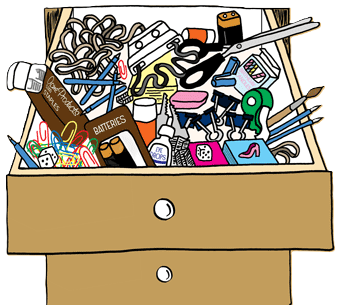

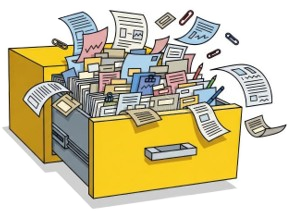
The second week of June arrived with a case that felt like opening a junk drawer you swore was organized last summer — only to find old chargers, expired coupons, three tape measures, and a mysterious key that unlocks absolutely nothing.
A business owner reached out because her expenses were creeping upward with no clear explanation.
Her revenue was steady.
Her operations hadn’t changed.
But her bank balance was shrinking like a popsicle left in the sun.



Figgy’s note: “If your expenses feel sticky, check the drawer you avoid opening.”
Clues
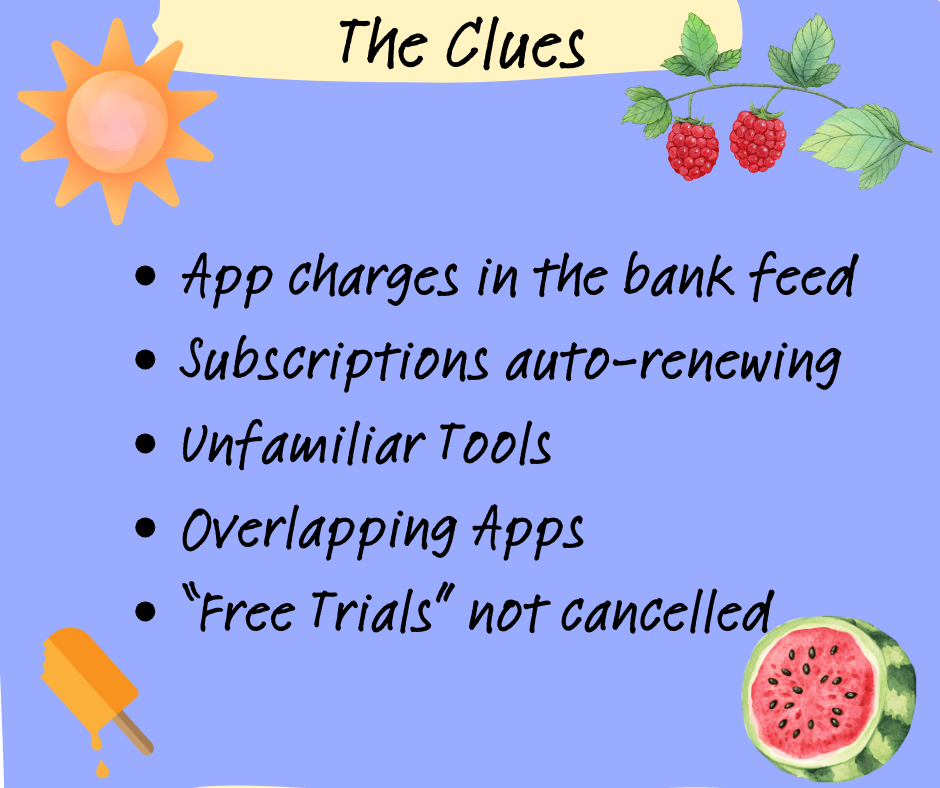
Monthly app charges hiding in the bank feed
Subscriptions renewing quietly in the background
Tools no one remembers installing
Apps overlapping in functionality
A growing pile of “free trials” that were never canceled


It’s the bookkeeping equivalent of paying storage fees for items you forgot you owned.
Individually, they’re harmless. Together, they create an overstuffed drawer of digital clutter that drains your budget and slows your systems.
Detective Debit’s Fix
I grabbed the metaphorical flashlight and started digging through the drawer.
First, I pulled a full list of every active app and subscription:
Shopify apps
Accounting add‑ons
Payment processor extras
Inventory tools
Marketing automations
“Free trials” that weren’t free anymore



Then I sorted them into three piles:
Essential (actively used and necessary)
Redundant (duplicates or overlapping tools)
Retired (unused, forgotten, or no longer relevant)
One by one, the unnecessary apps were canceled, the duplicates removed, and the essential tools documented so nothing slipped through the cracks again.
The drawer closed easily for the first time in months.


Figgy’s Thought:
“Turns out the drawer wasn’t cursed — it was just full.”


The Twist
Unused apps don’t shout — they nibble.
A $9.99 subscription here. A $29 tool there.
A “free trial” that converted months ago.
A premium feature no one uses.
A duplicate app doing the same job as another.


The Takeaway
App creep is real — and it’s expensive. If you don’t review your tools regularly, you’ll end up paying for things you don’t use, don’t need, or don’t even remember installing.
A clean app drawer helps you:
Reduce unnecessary expenses
Streamline your workflows
Improve system performance
Prevent subscription surprises
Keep your tech stack intentional

Figgy adds: “Free trials are like gremlins — don’t feed them after midnight.”


Need Backup?
A quarterly app audit keeps your expenses predictable and your systems lean.
When you know exactly what tools you’re using (and why), your budget stays tight, your workflows stay clean, and your financial picture becomes a whole lot clearer.
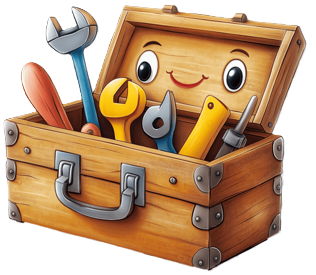
Your books shouldn’t feel like a cluttered drawer — they should feel like a well‑organized toolbox.


Final Thoughts
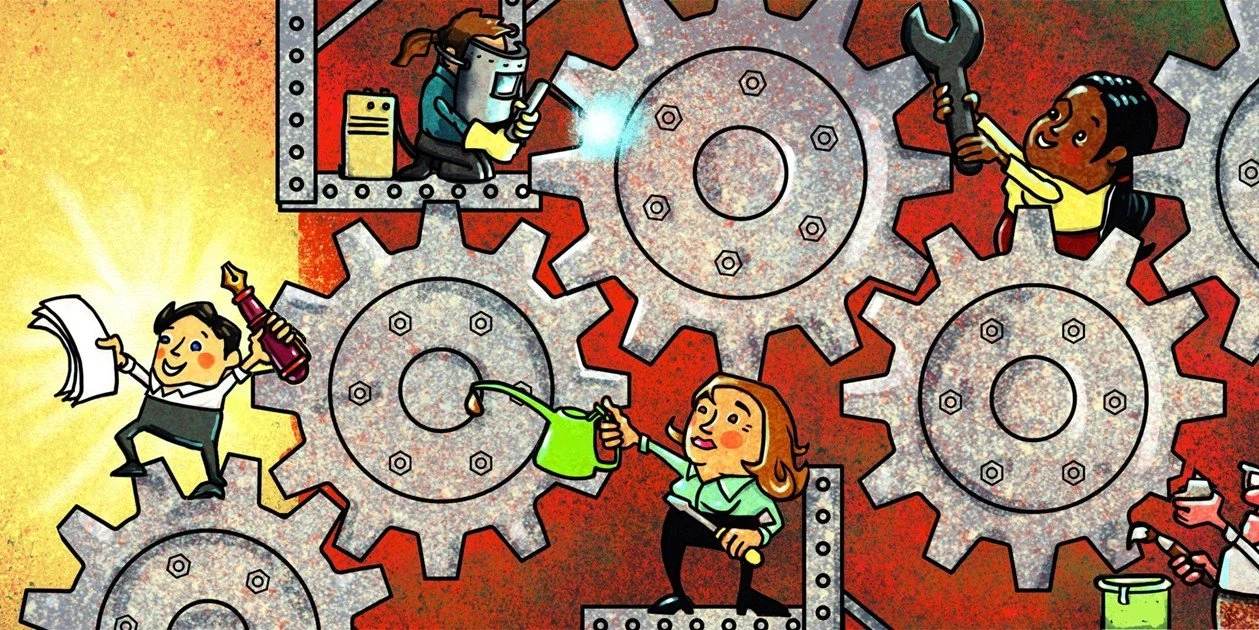
Subscriptions are sneaky, and apps multiply faster than you think. A little intentional cleanup goes a long way toward protecting your margins and simplifying your operations.
A tidy tech stack is a powerful one.

Figgy’s final word:
“Only keep the tools you actually use.”

Case File 048: The Heat‑Warped Workflow — where outdated processes buckle under summer pressure, and a few strategic adjustments keep everything running smoothly.